Multi-staff invoice split
Assign one or more staff to the sale and set each share (%). Equal split or custom — the total cannot exceed 100%.
Choose a language for this page.


Counterlit is an AI-driven system for beauty and retail. Meet Buddy. Say what the client wants, confirm, and the sale is ready. Bookings, people, and stock stay simple on every tablet.
Already a customer? Log in with your company site name (e.g. yourbrand.counterlit.com).
Search, scan a barcode, or tell Buddy what to add. You confirm before anything changes. Checkout and chat are right there.
Add a product, complete the sale, then print the invoice. Nothing is charged.

Counterlit is driven by AI. Buddy sits with you at the till, builds the sale in your words, and answers easy questions about the day.
That is the whole idea. Friendly on the floor, with Buddy doing the fiddly part.
Client, payment, staff split, a note, then print. Cash, card, or cheque, and a signed agreement when the shop asks for one.
Split can be equal or custom — never over 100%.
Assign one or more staff to the sale and set each share (%). Equal split or custom — the total cannot exceed 100%.
Mix cash, cards, cheque, and Octopus on one invoice. A cheque needs a number. You cannot charge more than the cart.
Print the receipt. If the shop uses an agreement, the client reads the terms, ticks, and signs. The PDF stays on their profile.

Tablet-first Counterlit your consultants and spa teams can use between clients — not only in the back office.

Checkout, CRM lookup, and product catalog on the counter tablet while you advise the client.

Book treatments, redeem courses, and take payment at reception without switching systems.
One client file across till and calendar. Follow-ups, birthdays, monthly shop targets, planned sales that move to Partial or Won when the invoice lands, plus a report builder.

Notes, remaining sessions and the next booking on the same profile.

Call or WhatsApp from the task list. Done or snooze for seven days.
Day, week and month calendars by room. Walk-in and check-in, session redeem, roster day-offs, turnover buffer, day-sheet photo. Other tablets update from the company cloud.
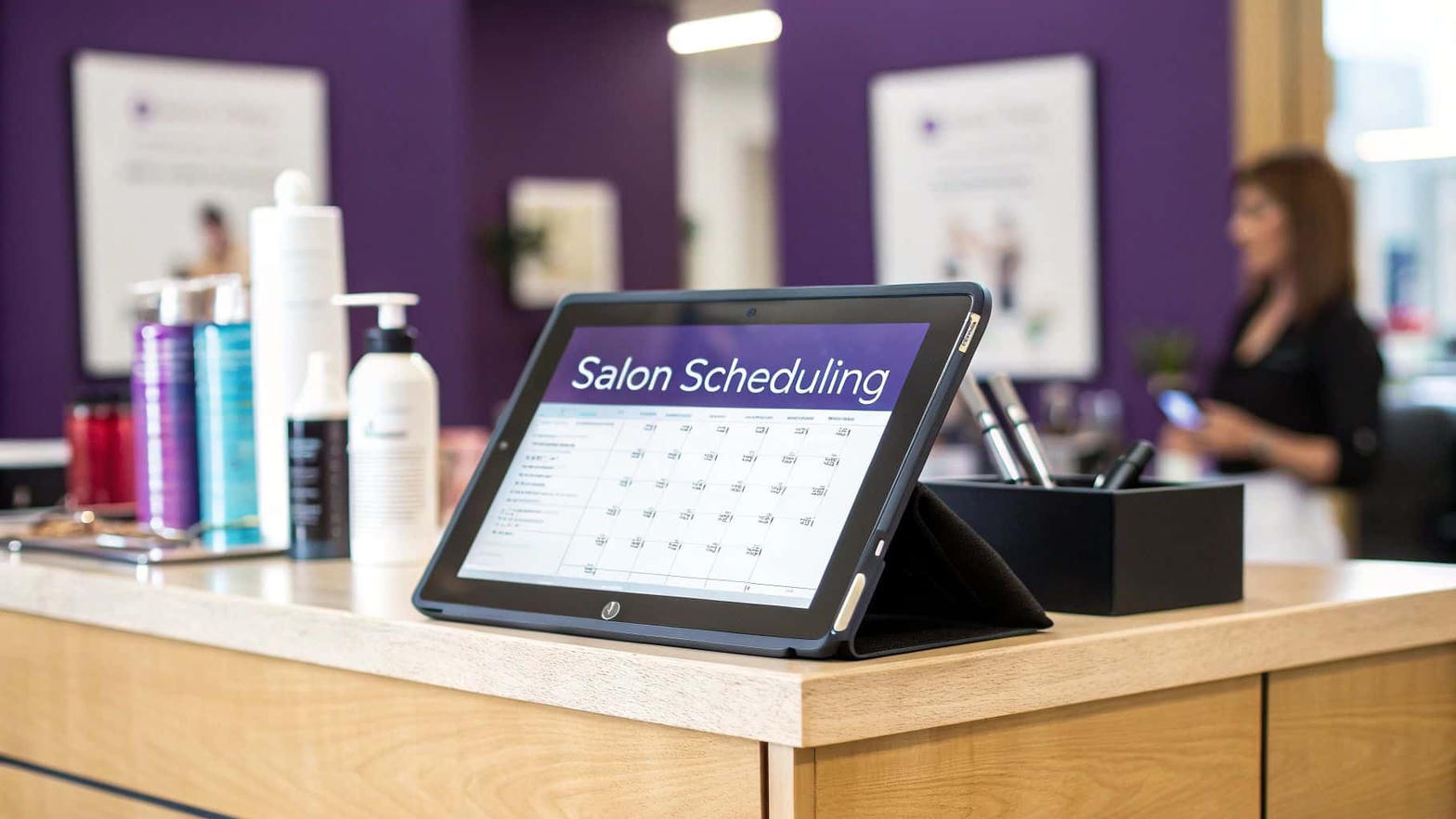
Reception books the next facial on the tablet while the floor runs.

Rooms on the calendar match the floor — complete the visit and sessions redeem.
Know what each shop holds, move stock safely between warehouse and locations, and catch count mistakes early. without spreadsheets.
Floor staff open Stock count from POS Tools, enter what is on the shelf, and send the count to the cloud. Only one tablet can count a location at a time so numbers are not doubled.
When counts do not match, the location gets a flag so the team knows to recount. Flags escalate if the problem continues.
After three flags, only someone with inventory rights can unlock another count so serious mismatches are never ignored.
Keep a main warehouse separate from each store. Receive supplier goods into the warehouse, then move them out to shops when needed. Non-physical items (treatments, redemptions) stay out of stock counts automatically.
Build an order for a shop (under-minimum items can fill in automatically), send it as a transfer from warehouse or another location, then confirm on the receiving tablet.
If the shop receives only part of a transfer, admin can process partial quantities or ask for a recount. shown on POS Tools.
Each step shows on the other tablets, so everyone is looking at the same numbers.
From the till and Buddy, to staff chat, Shop Ops, and a backup you can restore.
Walk through client, payment, who sold it, a note, then the receipt. Set a cart total, or take cash, card, or cheque.
Profiles, purchase history, notes, photos, treatment courses, and balance due. searchable by phone.
Sell treatment packages, track sessions, and redeem complimentary products with clear balances.
Per-location stock, warehouse, transfers, stock counts with flags, testers & losses, and order requests.
Custom roles, location access, admin modules by permission. Full Owner stays protected.
Roster, personal monthly targets, and shop expenses, only for the shops that person is assigned to. A target falls by their share of each sale.
Invoices, refunds, expenses with receipt photos, simple P&L, and commission-aware payroll.
Open and close the register, reconcile card and cash, and keep a clear EOD trail per shop.
A sale on one tablet shows up on the others. Stock and reminders stay in step, without extra steps.
No codes to learn. Say a product, a discount, or a total, and Buddy prepares the sale for you.
In-app guides and support tickets with replies, so shops get answers without leaving the product.
Staff see their own shops. Managers see the wider picture. Nothing technical to set up on the floor.
Orders, clients, stock count, transfers, open tester, the register, and a barcode scan from the camera.
Each person sees only their own sales, customers, shifts, and this month’s target.
Name a product, a discount, or a total. You confirm before the cart changes. Ask about your sales and targets, or say Buddy when you just want to talk.
Messages, photos, and voice notes on the till. Unread counts sit on the button. Only people you allow can open the chat.
Save a copy of clients, sales, stock, and bookings, or set a daily, weekly, or monthly cycle. The cycle runs even if no till is open.
Pick the look for the whole company. Light is the default. Other devices follow on the next refresh.
One clear rate per shop. No per-seat surprises for the floor team.
Billed monthly. Multi-location brands: one fee per active shop. Custom onboarding available on request.